Onboarding
In this section the onboarding to the Vaizr usergroup is described in detail.
Leave your email
Either you leave your email on the home page of www.vaizr.com or you leave your email on the leave email page in the Vaizr documentation.
 After filling in your email and clicking
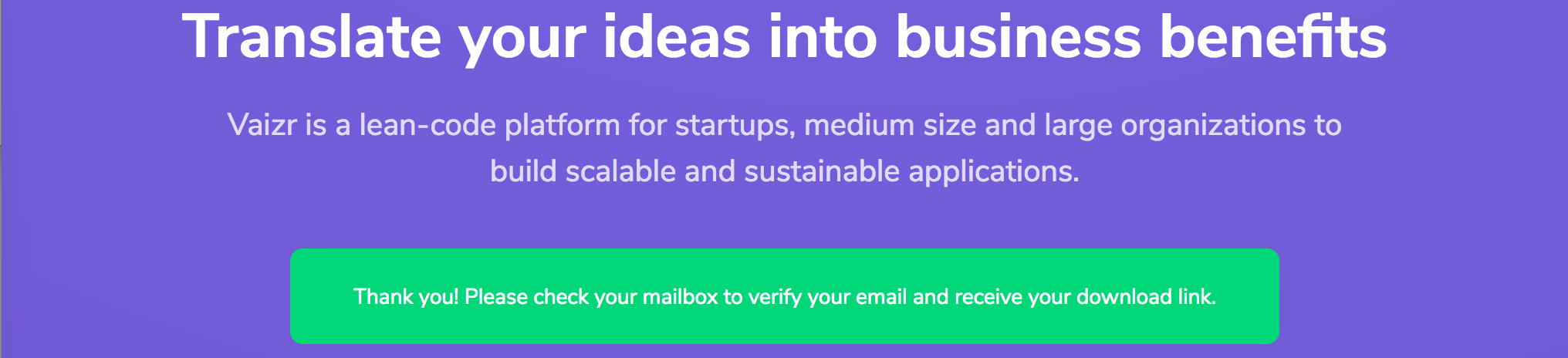
 Get Started you see the message Thank you! Please check your mailbox to verify your email and receive your download link..
The leave your email page can be found in the documentation menu under the Appendix section at the bottom.
 After clicking
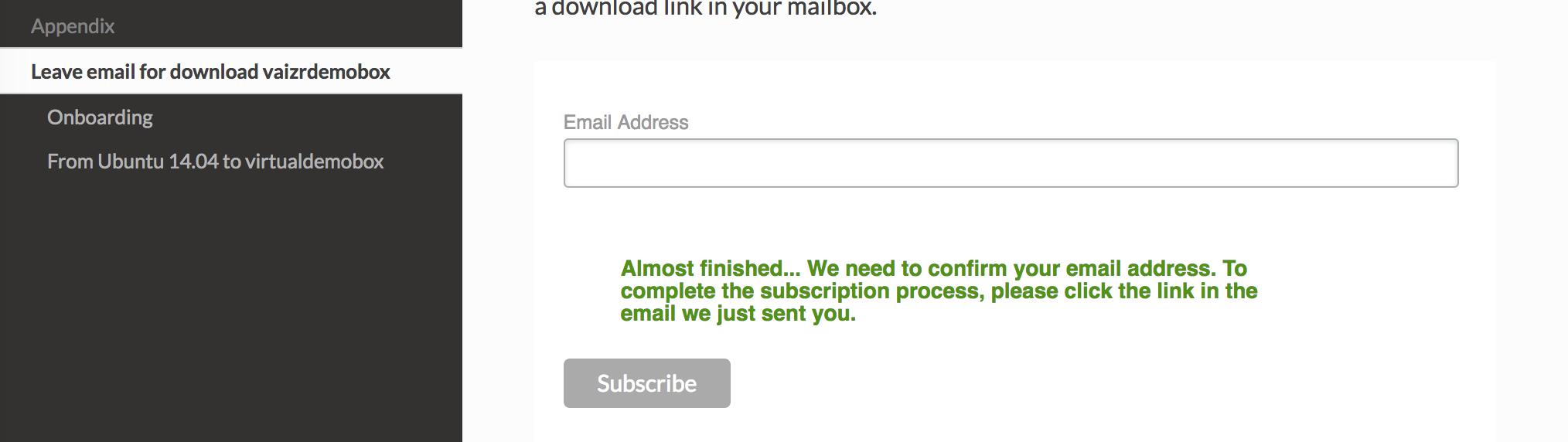
 Subscribe you see the message Almost finished... We need to confirm your email address. To
complete the subscription process, please click the link in the
email we just sent you.
You receive a Confirm Subscription email.

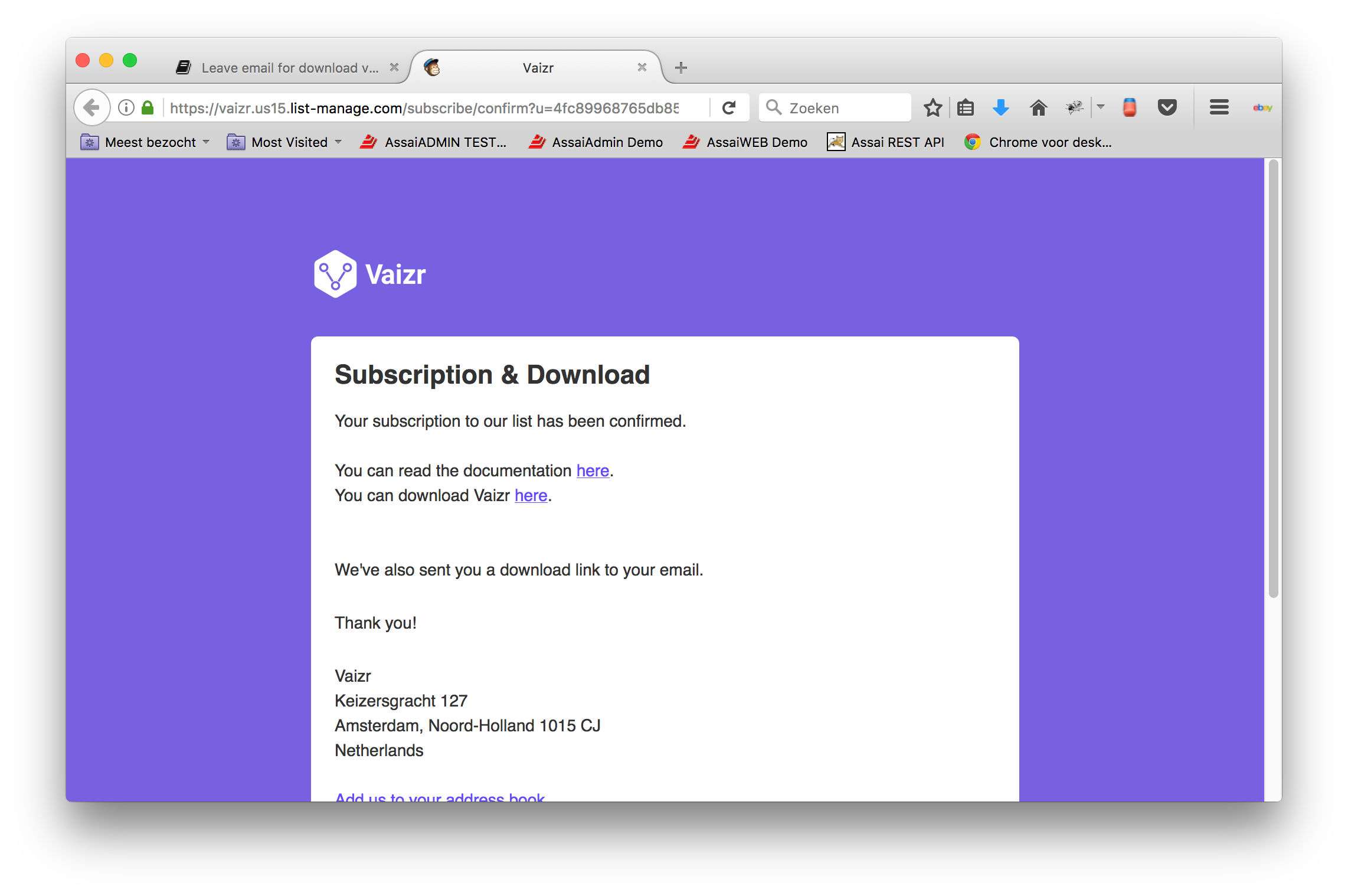
After clicking Yes, subcribe me to this list. you are directed to the Subscription & Download page. On this page you find a download link and you find a link back to the documentation.
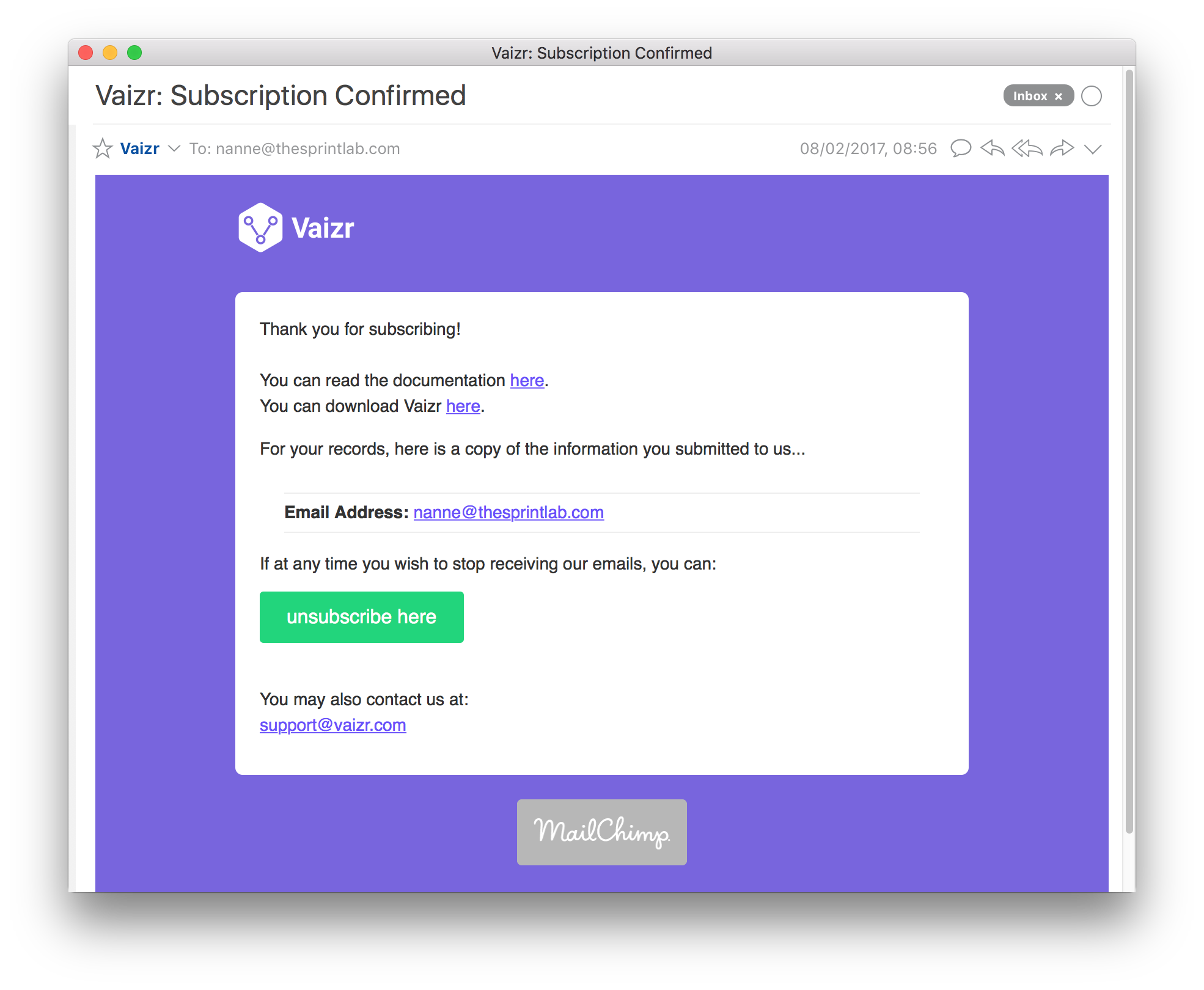
 You also receive a Subscription Confirmed email. In this email you also find a download link and you find a link back to the documentation.
After clicking on the download link you are directed to the proper dropbox download folder. The vaizrdemobox.ova file is to big to download the two files in one go. However you can easily download file by file. Be aware that dropbox draws your attention to logon or subscribe. However that is not a neccesity for downloading the vaizr files.

After clicking one of the vaizr specific files, you can download that specific file.

Lost download link
If you are already a member of the vaizr usergroup and lost your download link you can easily retrieve it again.
Leave your email on the leave your email page and click confirm. In case of earlier subscription you will get the message <your_email> is already subscribed to the list Vaizr. Click here to update your profile.
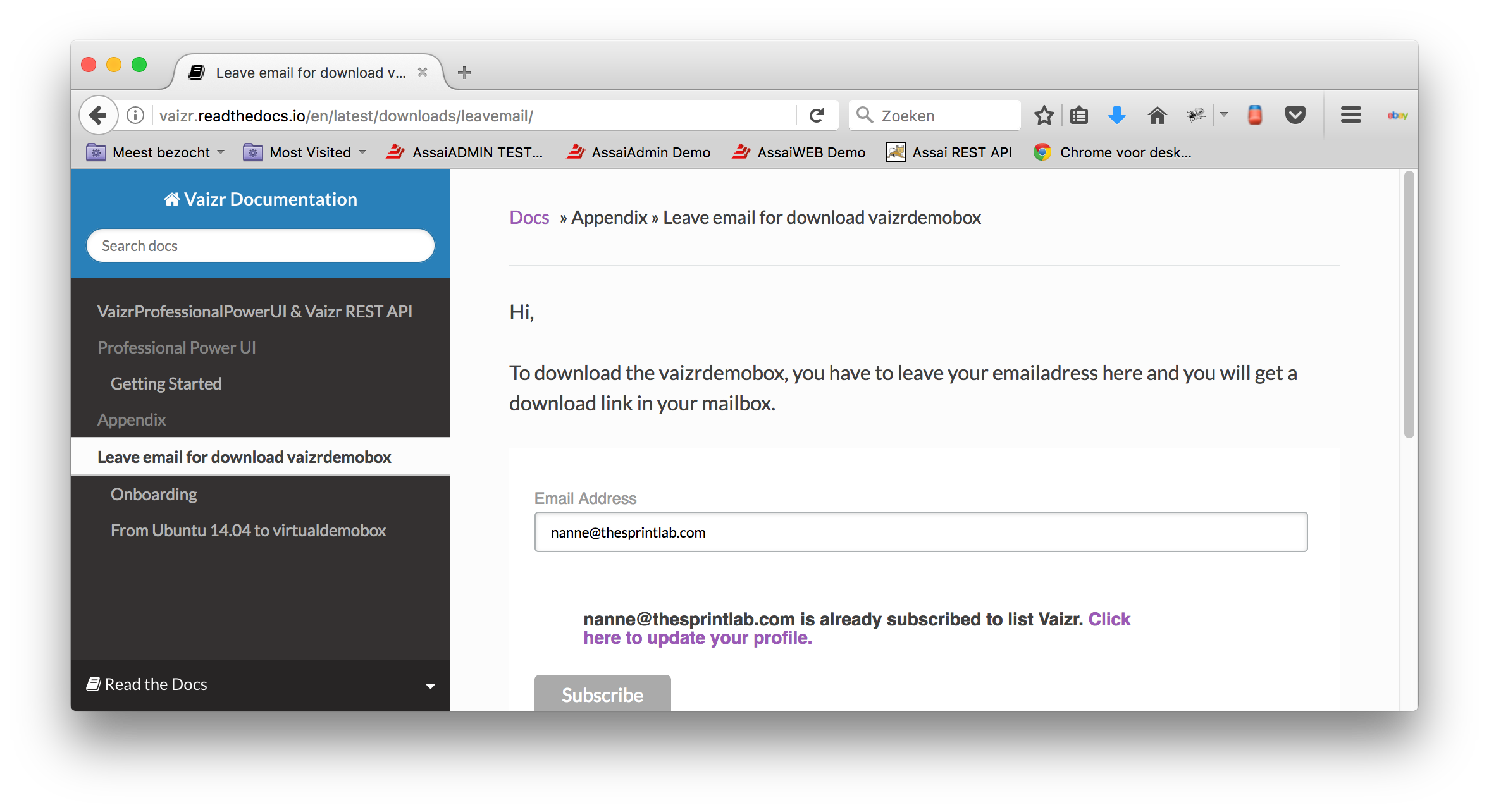
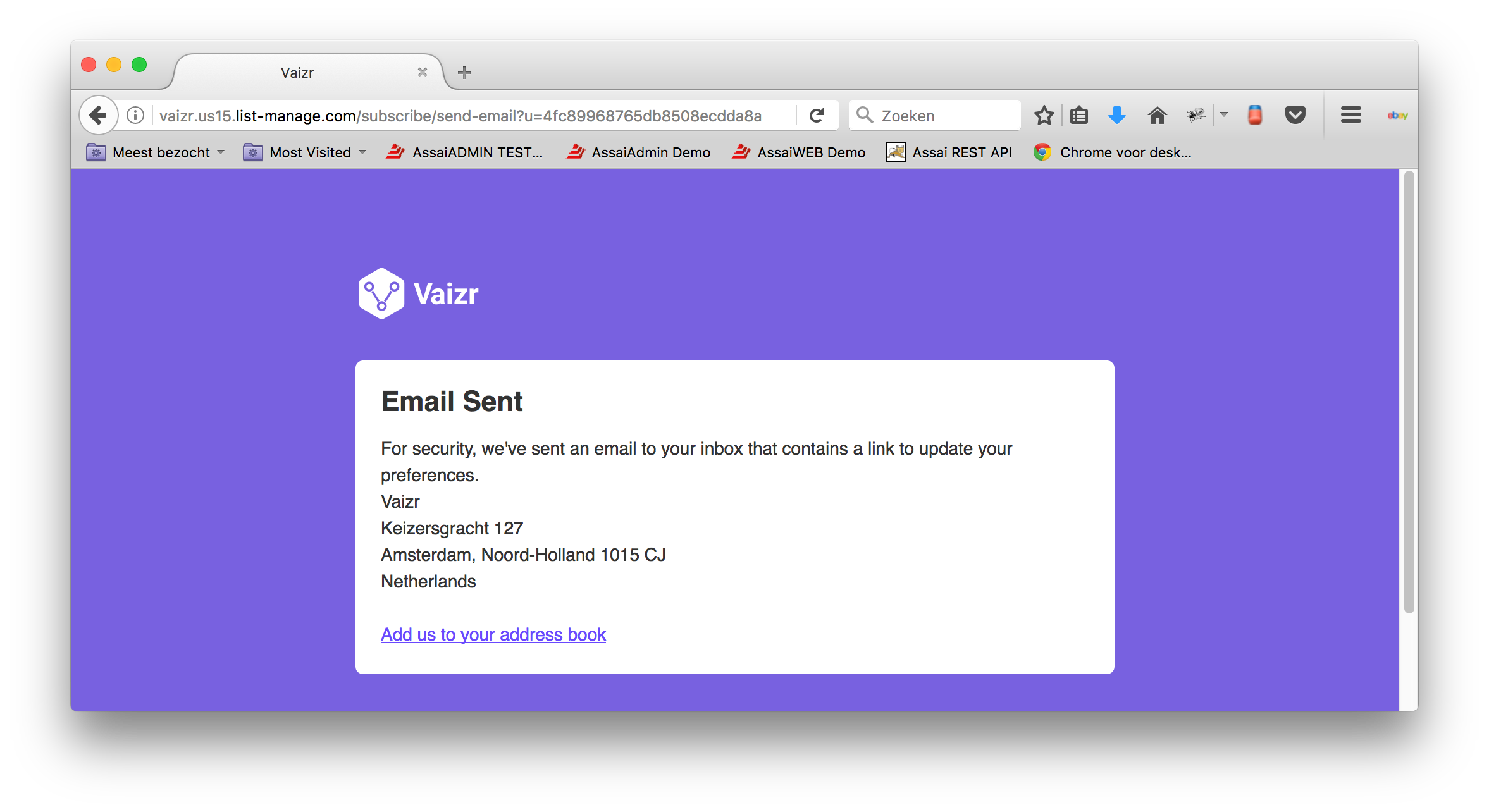
After clicking the link Click here to update your profile you will see the following page Email Sent.
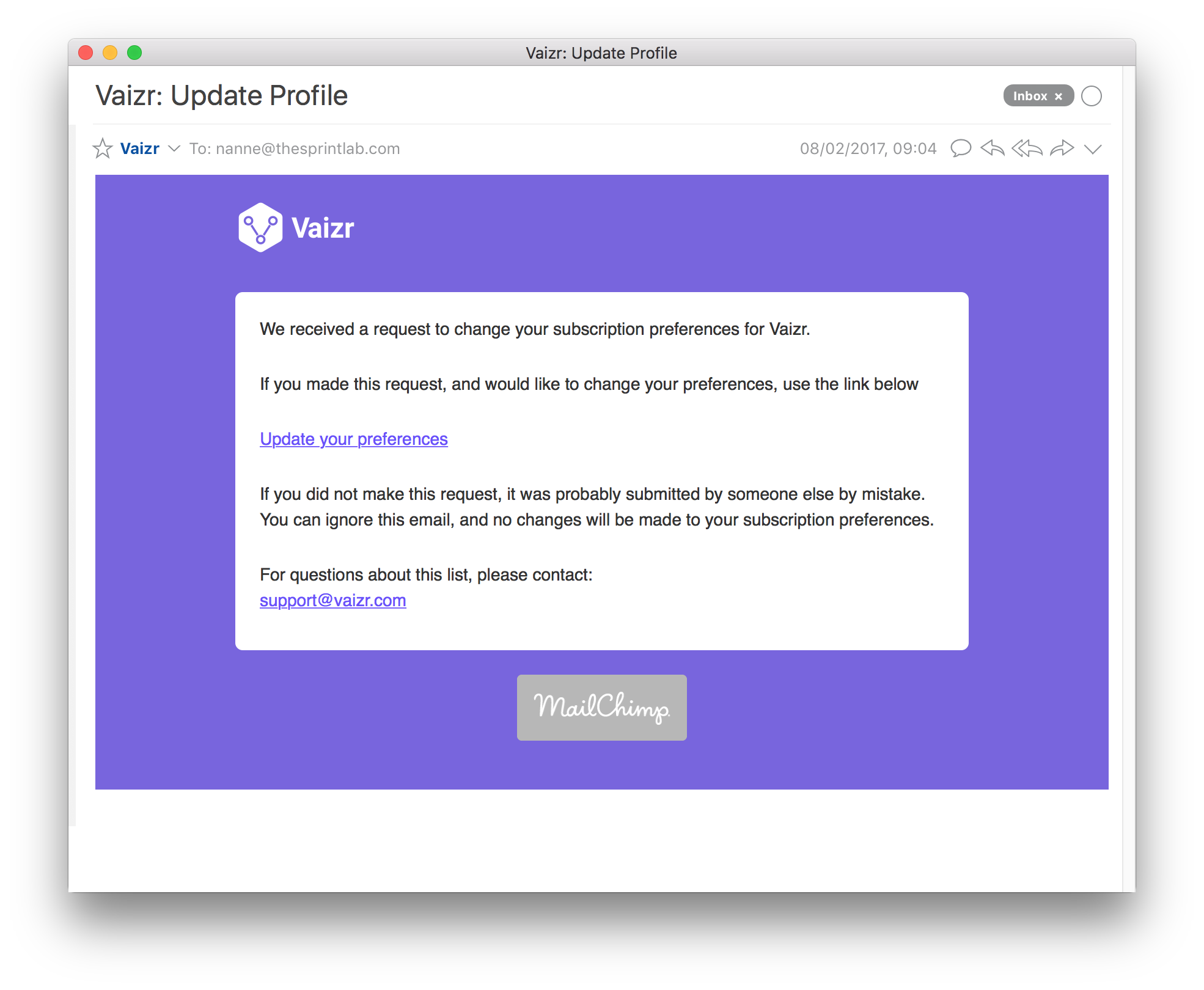
You receive an Update Profile email. Click in this email on the Update your preferences link
You are directed to the Your Download links page. On this page you find a download link and you find a link back to the documentation. You can also change your email or even unsubscribe.

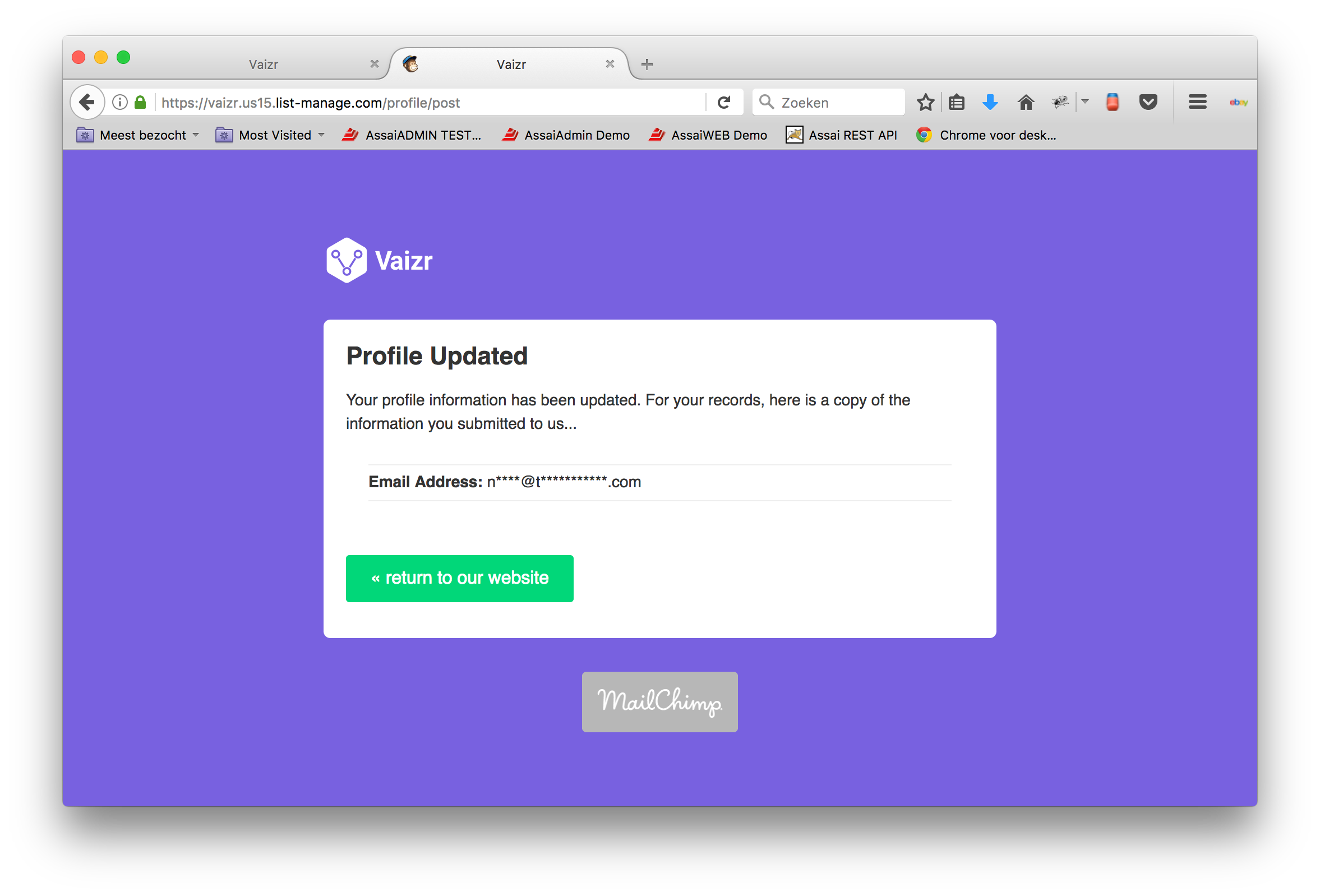
After updating your profile you will be directed to the Profile Updated page.
If you have any questions don't hesitate to email to support@vaizr.com. We are glad to help you out.